Hi everyone!
We’re excited to share something new from the Blend-ed team – an open-source Interactive Content XBlock for Open edX platform.
Why We Built This
Many of us have been prompting Claude or ChatGPT to generate simulations and interactive content, then copy-pasting the output into Open edX. It works – but there are real limitations: learner interaction isn’t tracked, grading doesn’t carry through, and the output is often inconsistent.
So we built a proper solution and open-sourced it for the community.
What It Does
The Interactive Content XBlock (ICXBlock) lets course authors define custom HTML, CSS, and JavaScript content directly in Studio. It then automatically captures learner interactions for grading, analytics, and state restoration.
[Screenshot]
Key features:
| Feature | Description |
|---|---|
| Custom HTML/CSS/JS | Full creative control in Studio |
| Interaction Tracking | Captures learner actions via a simple submitInteraction(data) API |
| Auto-Grading | Via author JavaScript or server-side answer matching |
| Completion Tracking | Emits completion events on submission |
| Feedback Display | Configurable correct/incorrect messages |
| Previous Response | Optionally restores a learner’s last submission |
| Test Grading Panel | Verify grading config before publishing |
| Debug Mode | Staff-only state panel |
| Masquerade Support | View individual student state via Open edX’s native feature |
How to Create Content With It
Just prompt any LLM to create HTML/CSS/JS and paste the output into the XBlock fields.
We’ve also built a dedicated tool to make this even easier -add your own Gemini API key and prompt directly to generate simulations, roleplays, or interactive quizzes.
 Try the prompt tool: www.blend-ed.com/intearctive-content-xblock
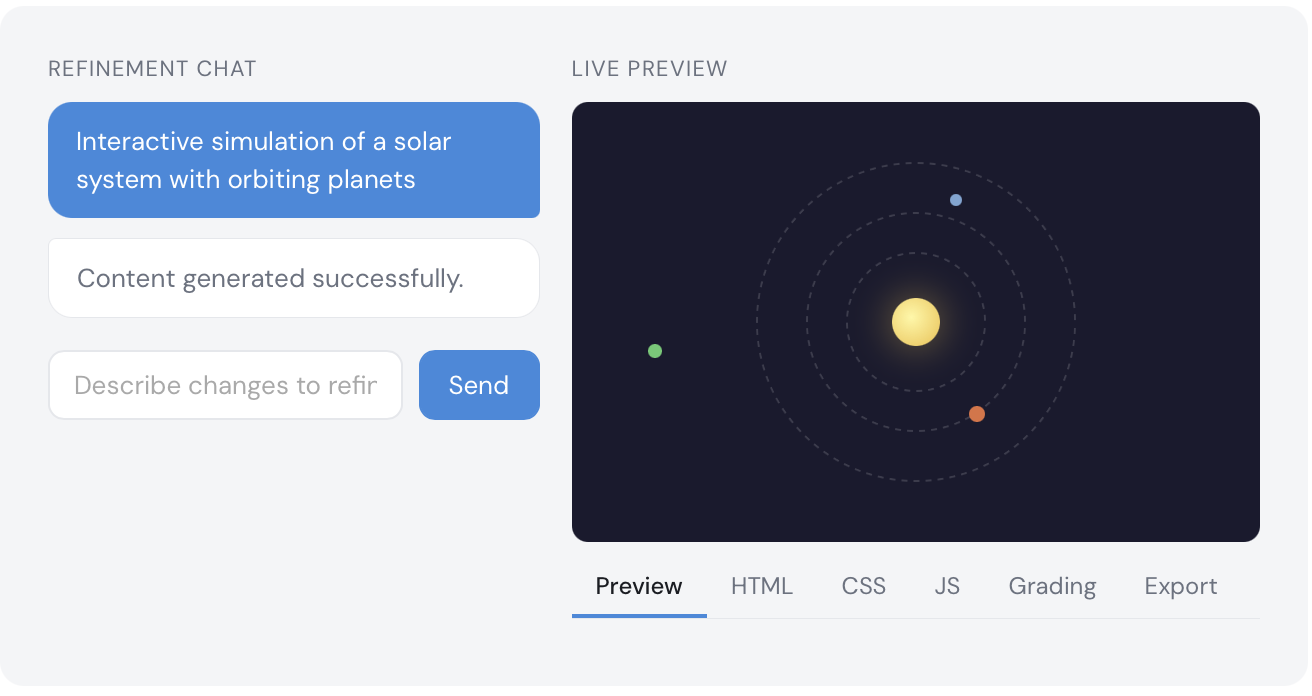
 Demo video: [link]
 Installation & configuration: GitHub - blend-ed/interactive-content-xblock: An XBlock that allows you to create interactive contents in your course along with grading and tracking learner inputs · GitHub
What’s Next
We’ve already integrated ICXBlock into our AI Course Creator –so courses generated directly in your Open edX Studio will now include interactive components out of the box.
Try it on your instance and share your feedback - we’ll keep improving the plugin.
If you’d like us to handle the setup for you, book a call at Book a Demo | See Blend-ed Agentic AI LMS in Action
Huge shoutout to the entire Blend-ed team, and especially @zameel7, Product Lead, for driving this from concept to release. 